Your data
Constraints
Rules on the whole collection no write can break: no negative balance, no double booking. Written as a pipeline, checked in a transaction on every write.
A constraint is a rule about your data that a single document cannot express: no account balance below zero, no two orders holding the same seat, never more stock committed than exists. A schema validates one document at a time. A constraint is checked against the whole collection, and a write that would break it is refused.
You write an aggregation pipeline that searches for trouble, then say whether finding something means the rule holds or breaks.
How a constraint is written
You write an aggregation pipeline that searches for trouble, then say whether finding something means the rule holds or breaks.
| Field | Meaning |
|---|---|
Name |
Identifies the rule, unique within the collection. It comes back in the error, so make it readable: |
Message |
Returned to whoever made the write. Write it for them: |
The rule holds when the pipeline returns |
|
Pipeline Stages |
The pipeline itself, a JSON array. It runs against the collection after the write, inside the same transaction. |
Most rules are the nothing kind: look for the forbidden state, and the rule holds as long as the search comes back empty.
[
  { "$match": { "balance": { "$lt": 0 } } }
]
Save that as noNegativeBalance with holds when set to nothing, and no write can leave a negative balance behind.
A constraint’s pipeline takes no parameters. $var and $ifvar mean nothing here — there is no request to take a value from, since the rule is checked on every write, whoever made it. The editor hides Add pagination and the variables guide for the same reason.
Constraints are stored in the collection’s metadata under constraints, the same way aggregations are stored under aggrs.
Add a constraint
-
Expand the collection.
-
Click New Constraint.
-
Fill in name, message, when the rule holds, and the pipeline.
-
Click Test to try the pipeline against the data you have now — see below.
-
Save.
An empty pipeline is refused: it would match everything, which is never what a rule means.
Check a rule before you save it
Test executes the rule’s own pipeline against the collection as it stands, and tells you the answer in the rule’s terms rather than in documents:
-
The data you have satisfies this rule — nothing to fix.
-
These documents already break the rule — the listed documents are exactly the ones a write would now be refused for.
-
The rule is not satisfied: the pipeline found nothing — for a
somethingrule, the thing that must exist is missing.
Do this before saving. A rule saved against data that already breaks it will refuse writes that have nothing to do with the offending documents.
Turn a rule off
Each rule has an enable toggle. Turn a rule off rather than deleting it while you investigate: disabling keeps the definition, so you can put it back without retyping it.
What it costs, and what your app must do
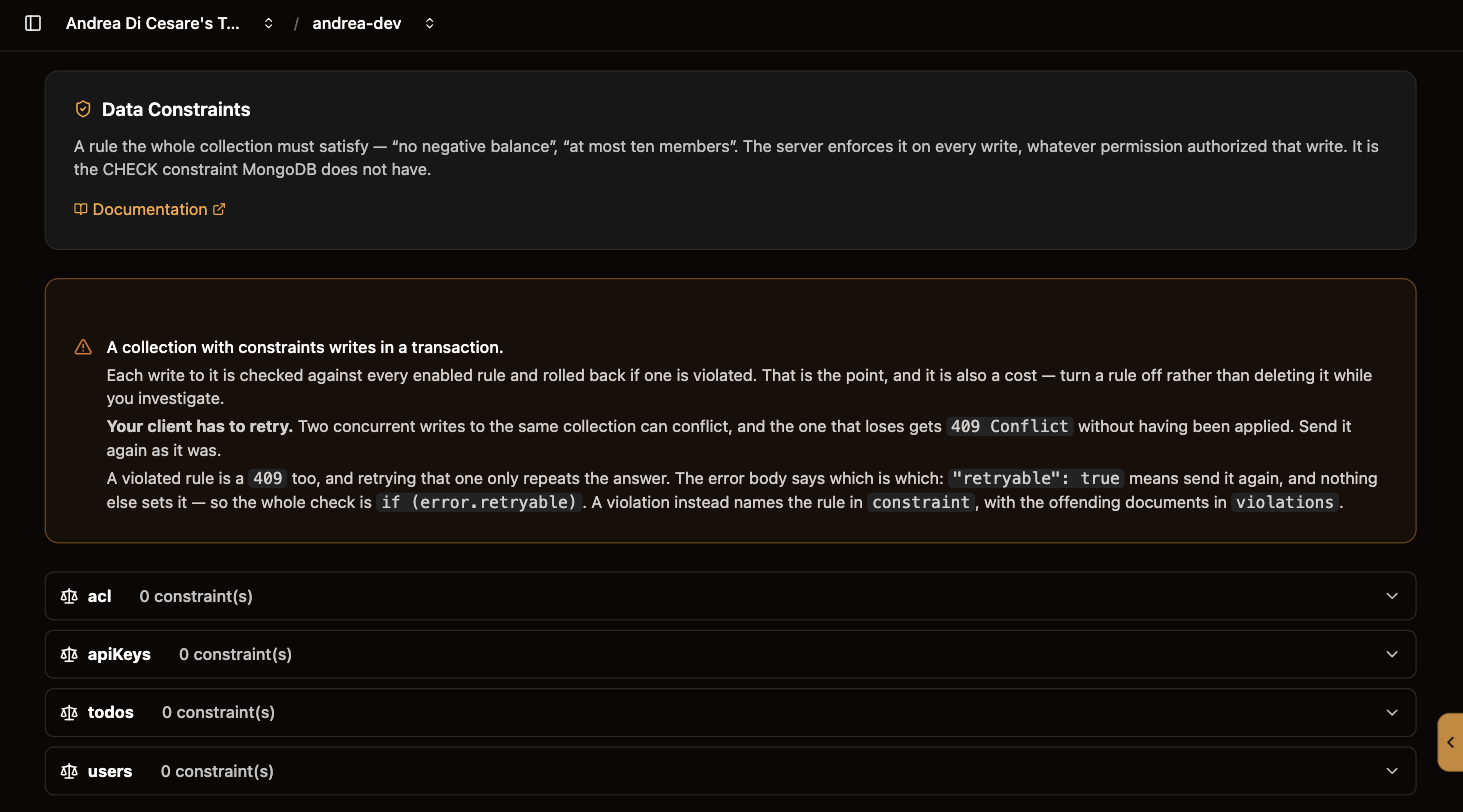
A collection with at least one enabled constraint is written inside a transaction. Every write to it is checked against every enabled rule and rolled back if one is violated.
That has a consequence your client code has to handle: two concurrent writes to the same collection can conflict, and the one that loses is refused with 409 Conflict without having been applied. Sending it again as it was is the correct response.
A violated rule is also a 409, and retrying that one only repeats the answer. The two are told apart by the body, not by the status:
| Body | Meaning |
|---|---|
|
A write conflict. Nothing was applied. Send the same request again. |
|
A rule was violated, with the offending documents in |
Nothing else sets retryable, so the whole check is one line:
const res = await fetch(url, { method: 'POST', body, headers });

if (res.status === 409) {
  const error = await res.json();

  if (error.retryable) {
    // lost a race — send it again
  } else {
    // error.constraint names the rule, error.violations lists the documents
  }
}
Retry with a short backoff and a small number of attempts. A conflict that keeps repeating is contention worth looking at, not something to retry harder.
Related pages
-
Aggregations: the same pipeline editor, for pipelines you expose as endpoints
-
Schemas: validates one document’s shape, which a constraint does not do
-
Indexes: a unique index is the cheap rule across documents, when uniqueness is all you need