Setting up backend infrastructure traditionally takes hours or days. You configure servers, databases, authentication, APIs and monitoring before you write the first line of application code.
On Ulabase a Free service is ready in under a minute. A Starter or Pro service is ready as soon as the payment confirms. An Enterprise service is designed with our team.
Free Services: Instant
A Free service is provisioned as soon as you ask for it.
The Experience
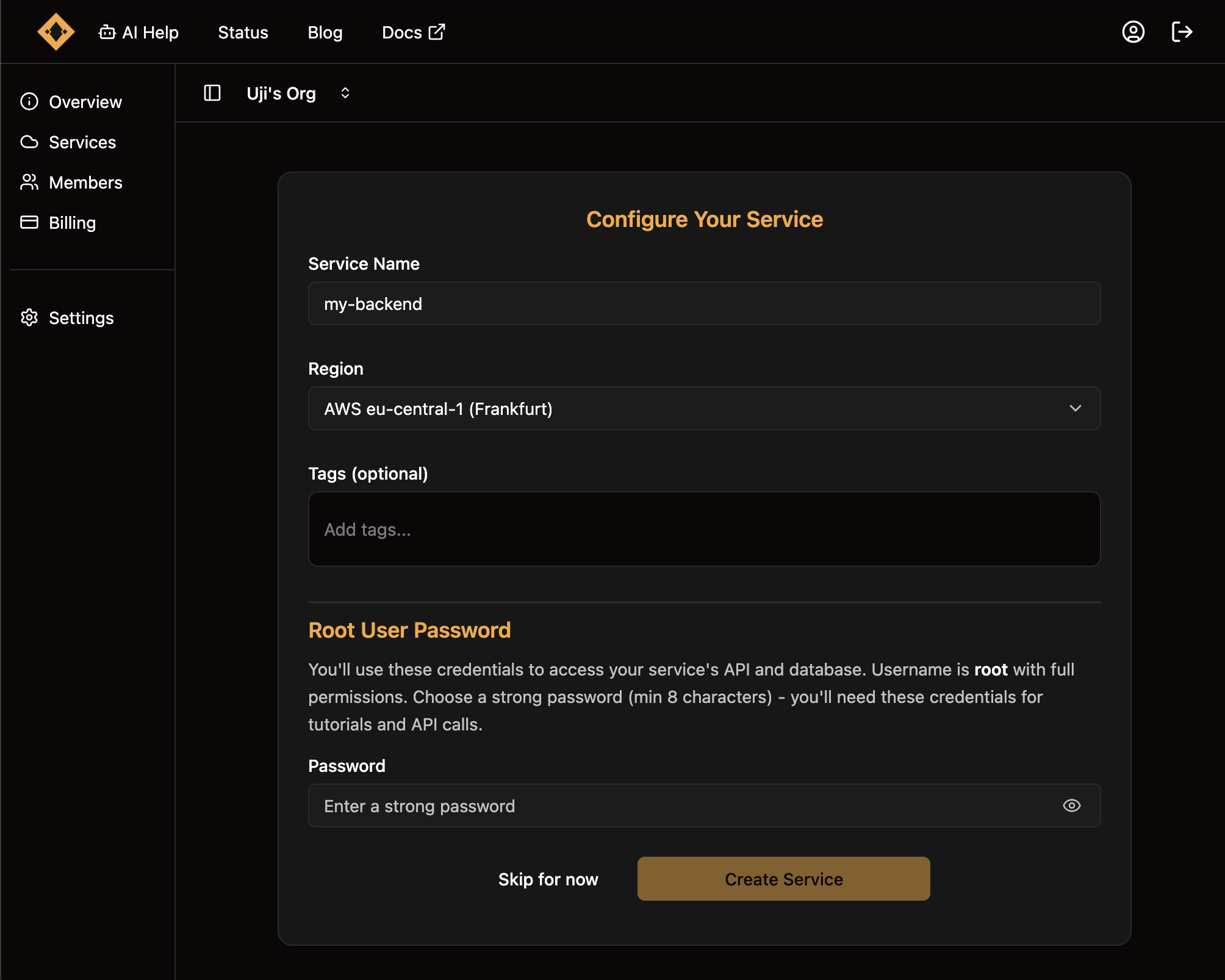
Choose the Free plan, give the service a name and pick a region. The service is ready.
Total time: less than a minute.
You get a complete backend. The API has its own address, such as https://c0ffee.ulabase.app, and accepts requests. A MongoDB database is configured. Sign-up and login are ready. The Admin JWT is on the service's Home for the first setup. The Monitor page shows requests, errors and response times.
You can start making API calls right away, with no configuration and no deployment scripts.
For Getting Started
The Free plan fits when you want to test an idea right now. You can follow the API Tutorial, show a demo to a client or build a prototype during a meeting.
It needs no credit card.
Starter and Pro: Ready After Payment
Starter and Pro services are provisioned just as fast, once your payment is processed.
The Flow
Choose Starter or Pro on the service creation screen, then pay through Stripe Checkout. The service is provisioned when the payment confirms, and you can use it right away.
What You Get
A Starter service has 2 GB of storage, 50 collections and 750 requests a minute. A Pro service has 8 GB, 100 collections and 3,000 requests a minute, plus vector indexes for semantic search.
Both have daily backups, kept 7 days. Both can send email from your own SMTP server. Support answers by email within 48 hours on Starter and within 24 hours on Pro.
There is no manual configuration and no wait for our team. You can deploy your application to production the same day you create the service.
Enterprise: Designed With Our Team
An Enterprise service starts with a dedicated node in the AWS region you choose. It takes a conversation first.
The Process
Choose Enterprise when you create a service: the console opens a form to our team. Tell us the region, the traffic you expect, and whether the service runs on your MongoDB or on one we run for you.
If it runs on yours, for example an Atlas cluster, you give us the connection string when we set the service up, and you add the service's IP addresses to the network access list of your MongoDB. The Connecting your MongoDB page has the steps.
Why a Conversation?
An Enterprise service is designed around your app. It can grow to several nodes in one region or many, with Atlas shards where your users are and your own plugins on the nodes. The price follows the design.
Provisioning Times
A Free service takes less than a minute, with no payment.
A Starter or Pro service is ready once Stripe confirms the payment. The flow is automated and runs at any hour.
An Enterprise service is set up by our team after the conversation about the design.
Multiple Services
You can create several services for different environments. An organization can have 2 Free services, plus 2 more for each paid service.
A common pattern is a Free service for development alongside a Starter or Pro service for production. A company that needs a backend in more than one region does it on Enterprise, with nodes in each region.
The Developer Experience
A traditional backend setup takes much longer. You choose a cloud provider and set up an account. You configure the database, networking, and security. You set up an authentication system, build the API layer, and configure monitoring. You debug deployment issues. Only after all this do you write application code.
With Ulabase you create the service, and the first API call succeeds. Sign-up and login already work, so you go straight to building your features.
Need Enterprise?
Choose Enterprise when you create a service, and tell us about your application, the traffic you expect, the regions and any special requirements. The Plans page compares the four plans.
Start Building Now
Free, Starter and Pro services are provisioned at once, so you can try Ulabase right now.
Build your app on Ulabase
Your backend is ready in minutes, and you spend your time on your app. The Free plan needs no credit card.