Every application eventually needs features beyond basic data APIs, such as webhooks to external systems and AI assistance. Building them from scratch takes time.
On Ulabase these capabilities are features of your service. Under the hood each one is a plugin of the server, already installed and kept up to date by us.
Why Plugins?
You could build each feature yourself. A webhook system needs conditions, payload templates and logs of each call. An AI integration needs API keys, chunking and embeddings. Each of these has edge cases that need testing and monitoring.
Or you can switch a feature on and start using it today.
Switched On From the Console
You switch a feature on yourself, from its page in the console, or with ulabase setup from the command line. There is no request to send and nothing to deploy. We handle updates and maintenance while you build your application.
The features are the same in every plan. Three depend on the plan: live Stripe payments and your own SMTP server from Starter, and vector indexes for semantic search from Pro.
Available Features
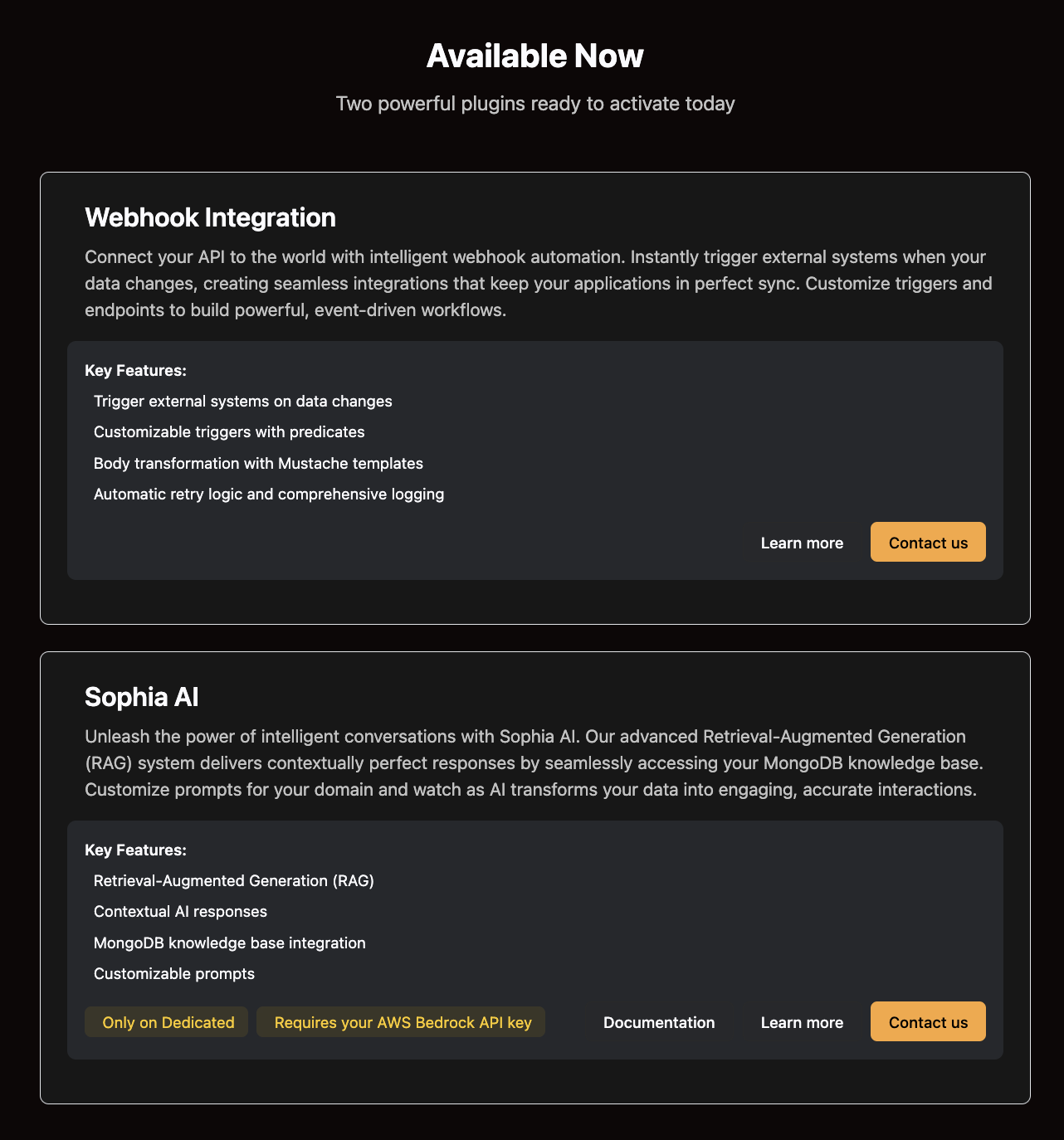
Webhooks
A webhook calls an HTTP endpoint or sends an email when a request to your service matches a condition you write.
You configure the condition, the endpoint and the shape of the message. A template makes the message fit what the other system expects, such as Slack blocks or your own backend's JSON.
Webhooks run after the response has gone back to the client, so they never slow down or break a request. They can notify a Slack channel, update a CRM or start a workflow in another system.
AI
The AI features turn your collections into a knowledge base. Auto Embeddings computes vectors on every write. Auto Chunking splits uploaded files into passages and embeds each one. Your app then searches by meaning, with the AI provider whose key you add in AI Keys.
The AI pages of the console work on Free, Starter and Pro. On Enterprise we set up semantic search with you, on the MongoDB the service runs on.
The MCP server lets AI agents use your data as tools, within the permissions of the user they act for.
More Features
Sign-up and login, Stripe payments, email, Guards, the origin allowlist and API keys work the same way: you switch them on from the console and configure them. The Ready-made features page lists them.
How It Works
1. Open the Feature
Open your service in the console and choose the feature from the menu, or from the Features page.
2. Switch It On
Click the button that enables it, then configure it on the same page. The manual page of each feature explains the fields, with examples.
3. Start Using
The feature is live. You start making API calls, with no deployment, no configuration files and no infrastructure to maintain.
Need Something Custom?
When your app needs logic of its own, such as computing a price or calling another system, a webhook calls your function on Cloudflare Workers, AWS Lambda or any service that runs code. The function writes the result back through the API.
On Enterprise you can also run your own RESTHeart plugins on your nodes.
Feature Benefits
Focus on Your Product
Every feature is one you do not have to build. You spend your time on the parts of your application that are yours.
Reliability
The features are tested and run in production applications.
Always Updated
We handle updates, security patches, and improvements. You always have the latest version.
Professional Support
For questions about a feature, our support team knows these systems and can help you use each capability.
Pricing
Features carry no price of their own: what you pay is the plan. Free costs nothing, Starter €9 a month, Pro €25 a month, and Enterprise is tailor made. The Plans page has the limits of each.
Real-World Use Cases
E-Commerce Platform
An e-commerce site uses webhooks to send orders to its fulfillment system, notify customers through an external email platform, and update inventory in other systems. Each new order sends a webhook to the shipping provider and to the analytics platform.
SaaS Application
A SaaS platform uses webhooks to post on Slack when something important happens, such as a new trial sign-up or a failed payment. The relevant team sees it at once.
Documentation Platform
A documentation site uploads its pages to a collection with Auto Chunking. Its search box finds passages by meaning, and an AI agent answers questions on them through MCP.
Internal Tools
An internal application uses webhooks to connect several business systems. Data changes in MongoDB update the CRM, notify teams on their chat, and send records to the accounting software. All integrations run without custom code.
Get Started with Features
Open your service in the console and look at the Features page, or read the features page on the site.
You can also write to us about a specific need.
Contact us: sales@ulabase.com
Build your app on Ulabase
Your backend is ready in minutes, and you spend your time on your app. The Free plan needs no credit card.